🆓 BOGO - Buy X Get Y
How to create bogo discount for the products on your Shopify store using the Buy X Get Y option? A simple walkthrough.
Guide
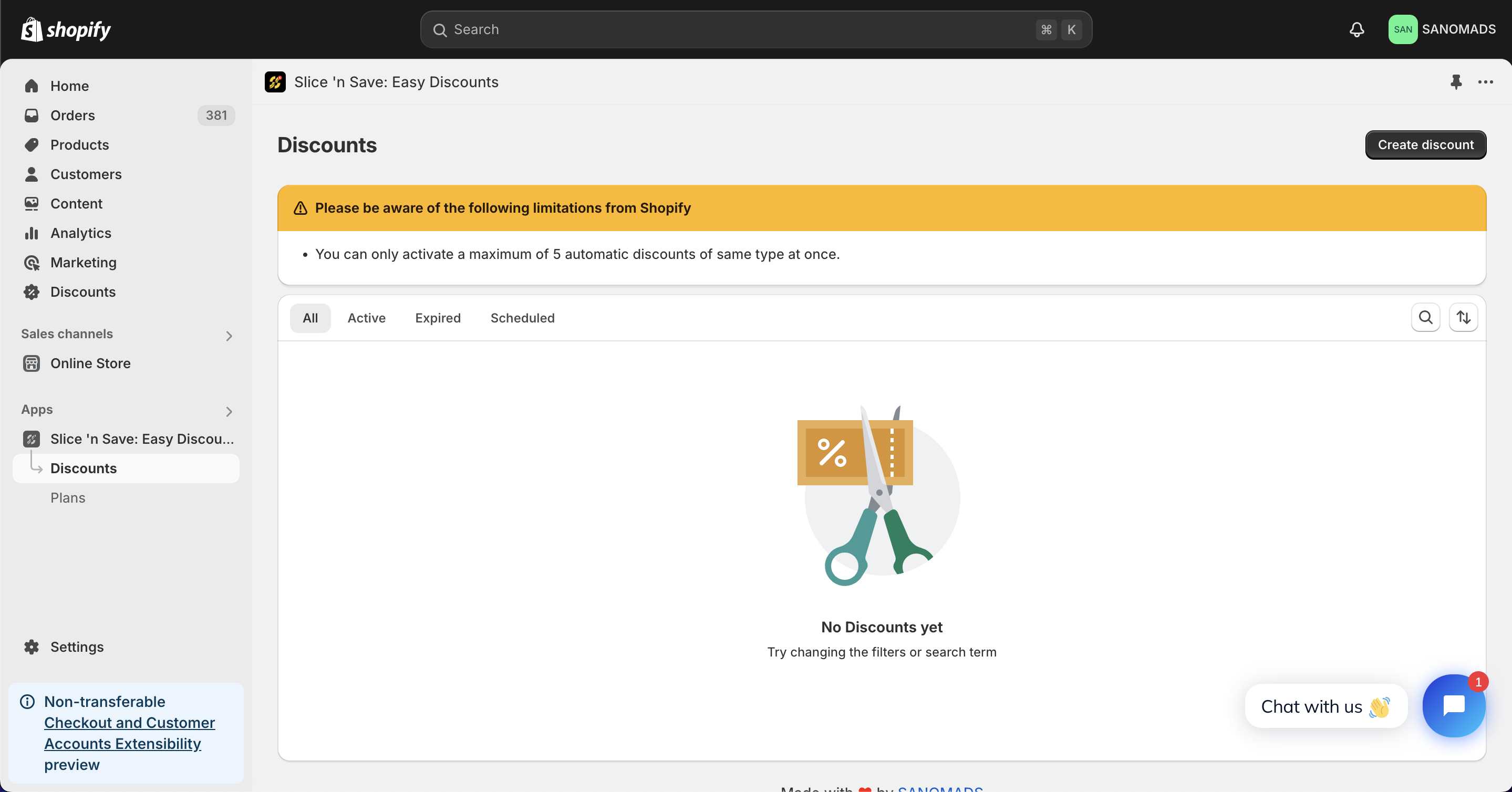
- Create a new Discount.
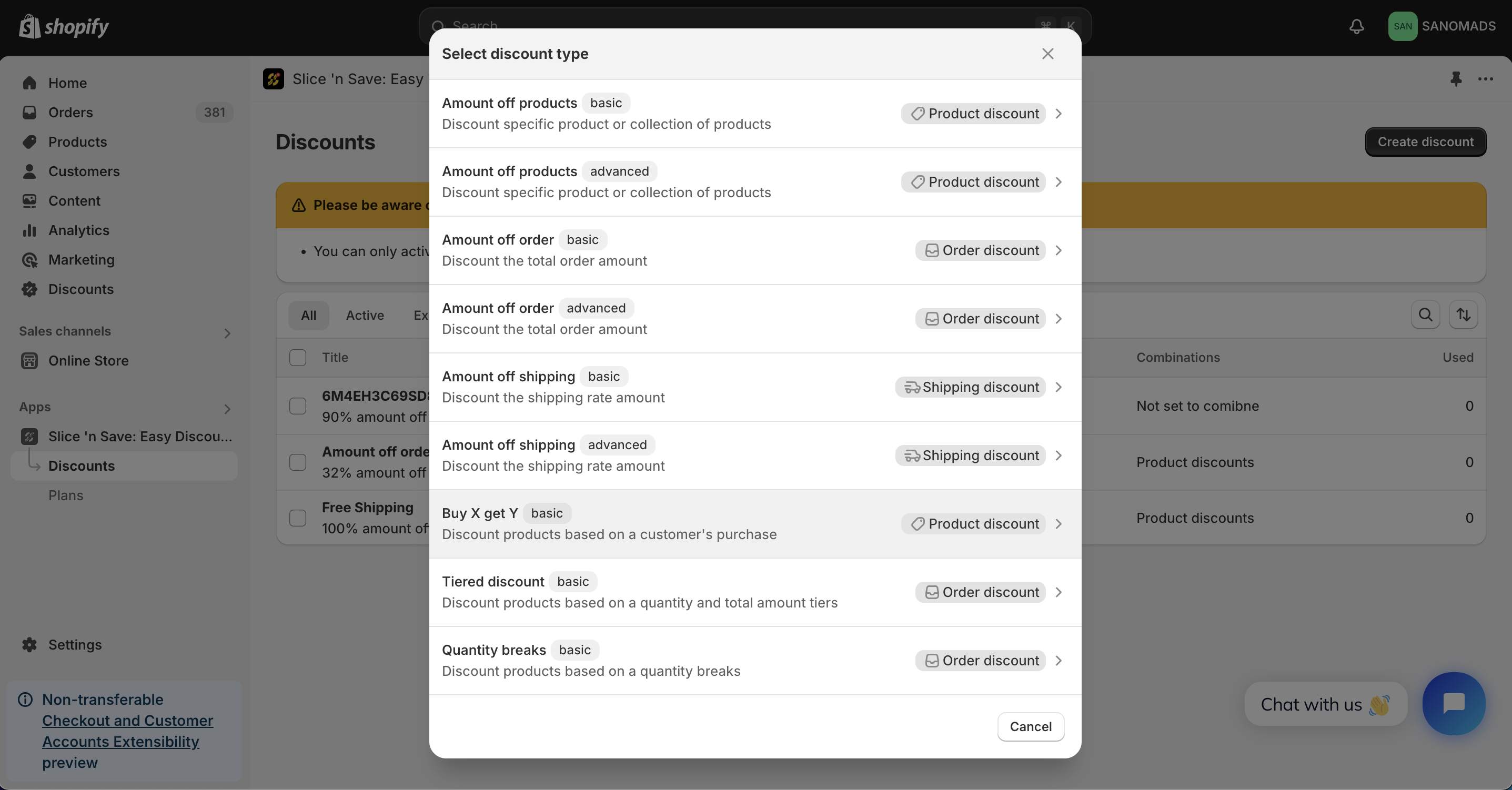
- Select the Buy X get Y option from the given list of discount types.
- Select method and title for the discount.
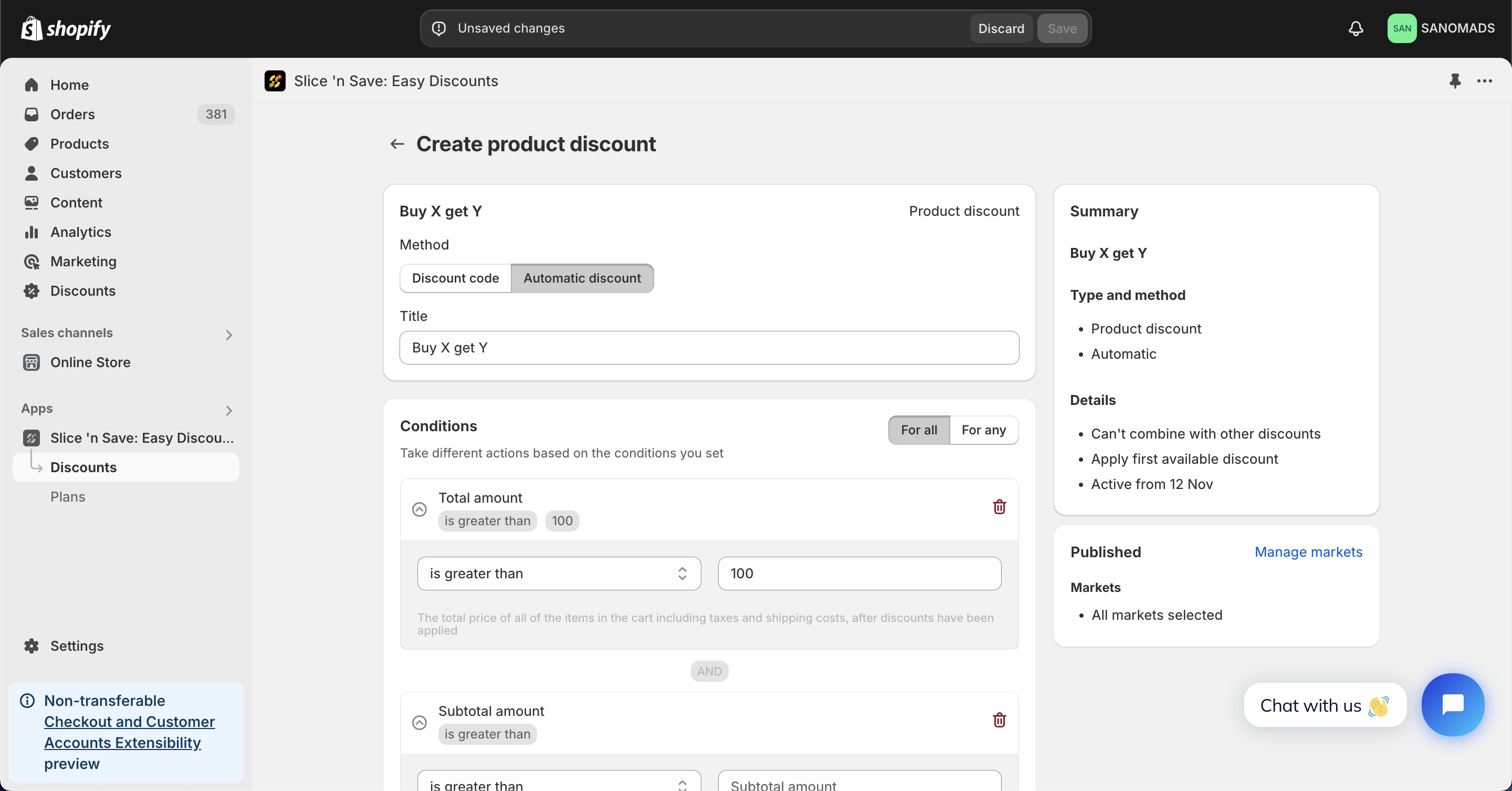
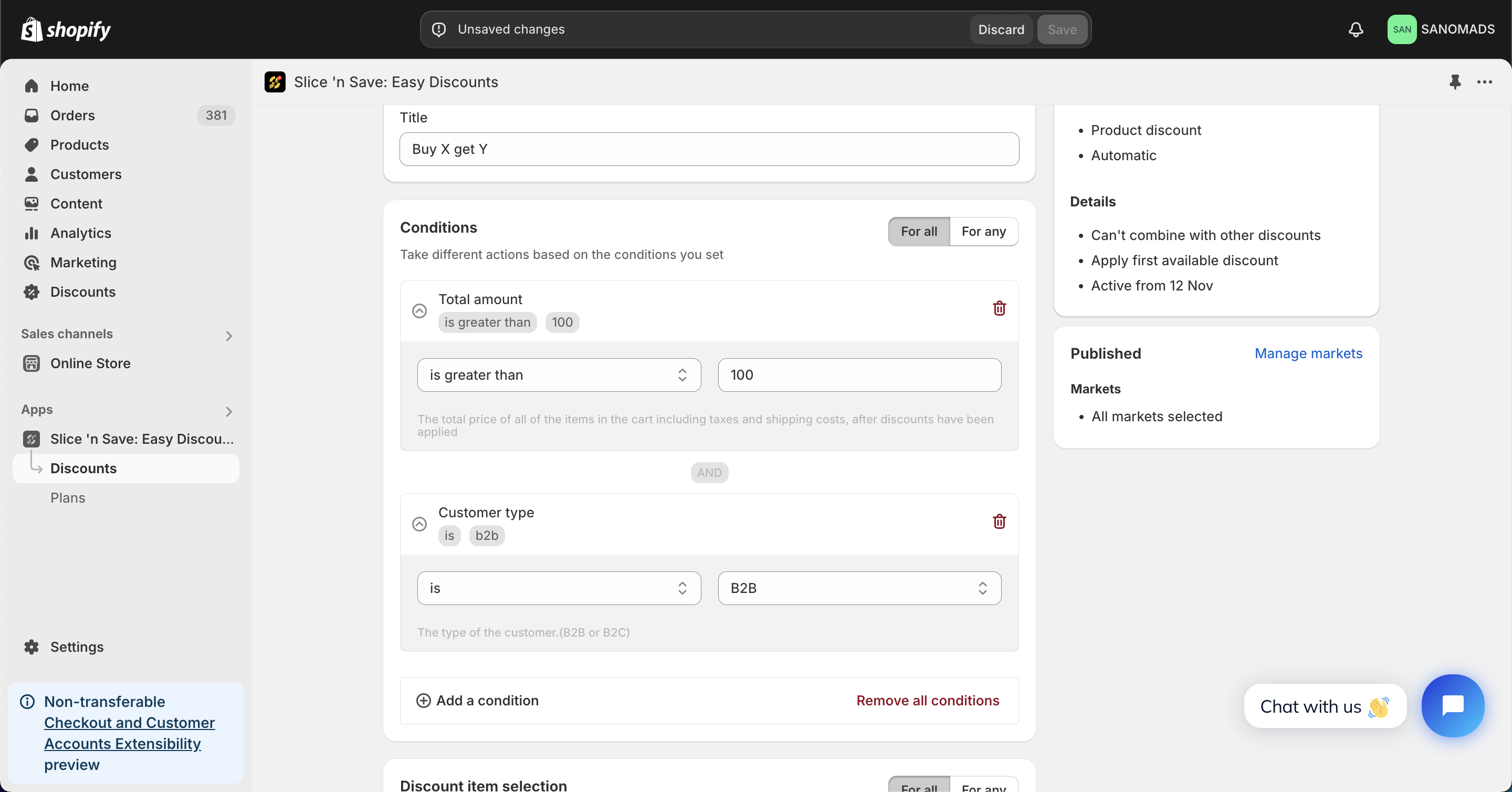
- Add multiple conditions to handle the validation of the bogo discount on the cart and checkout page.
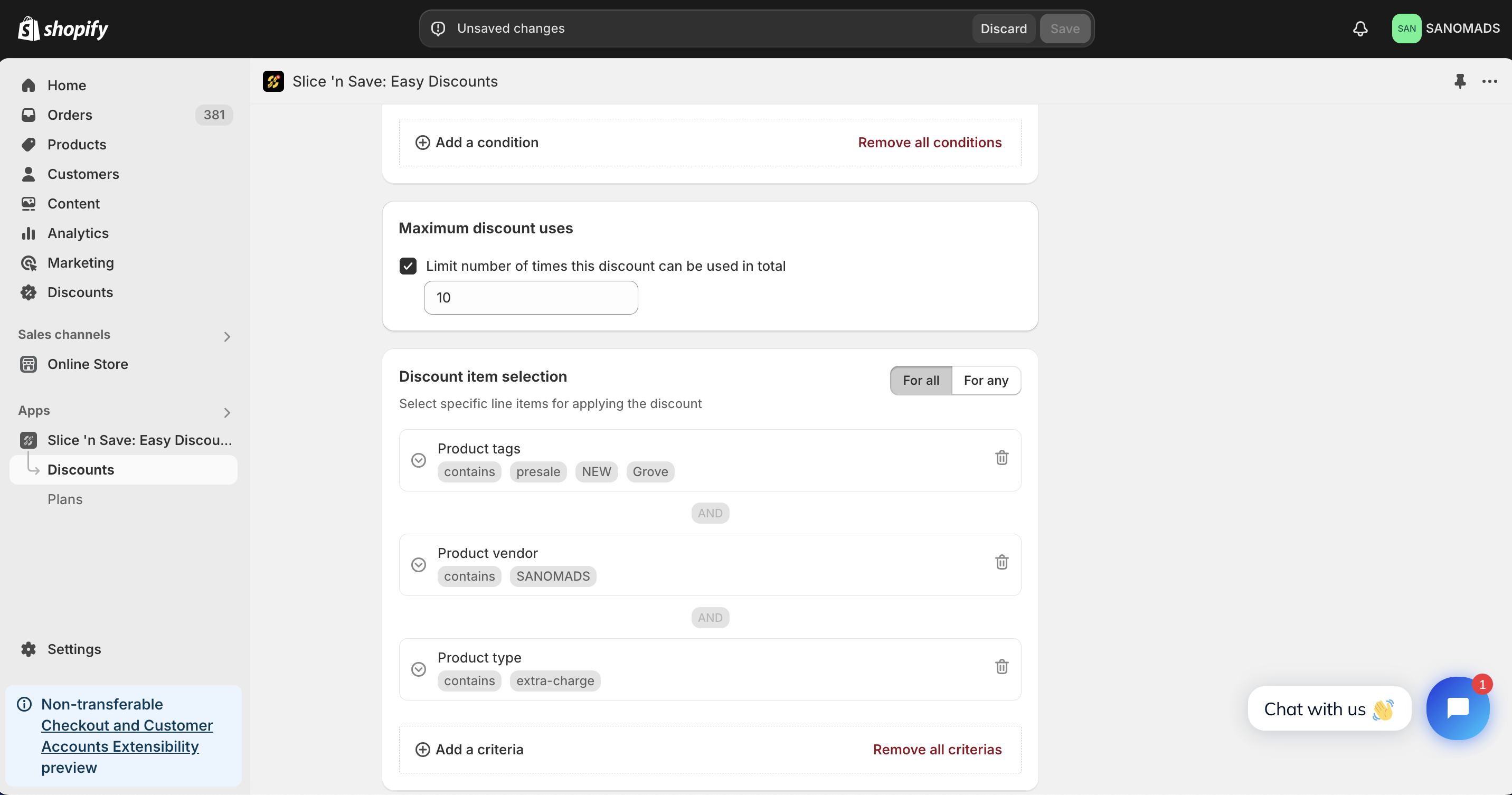
- Add multiple criteria to handle the validation of the discount at product level.
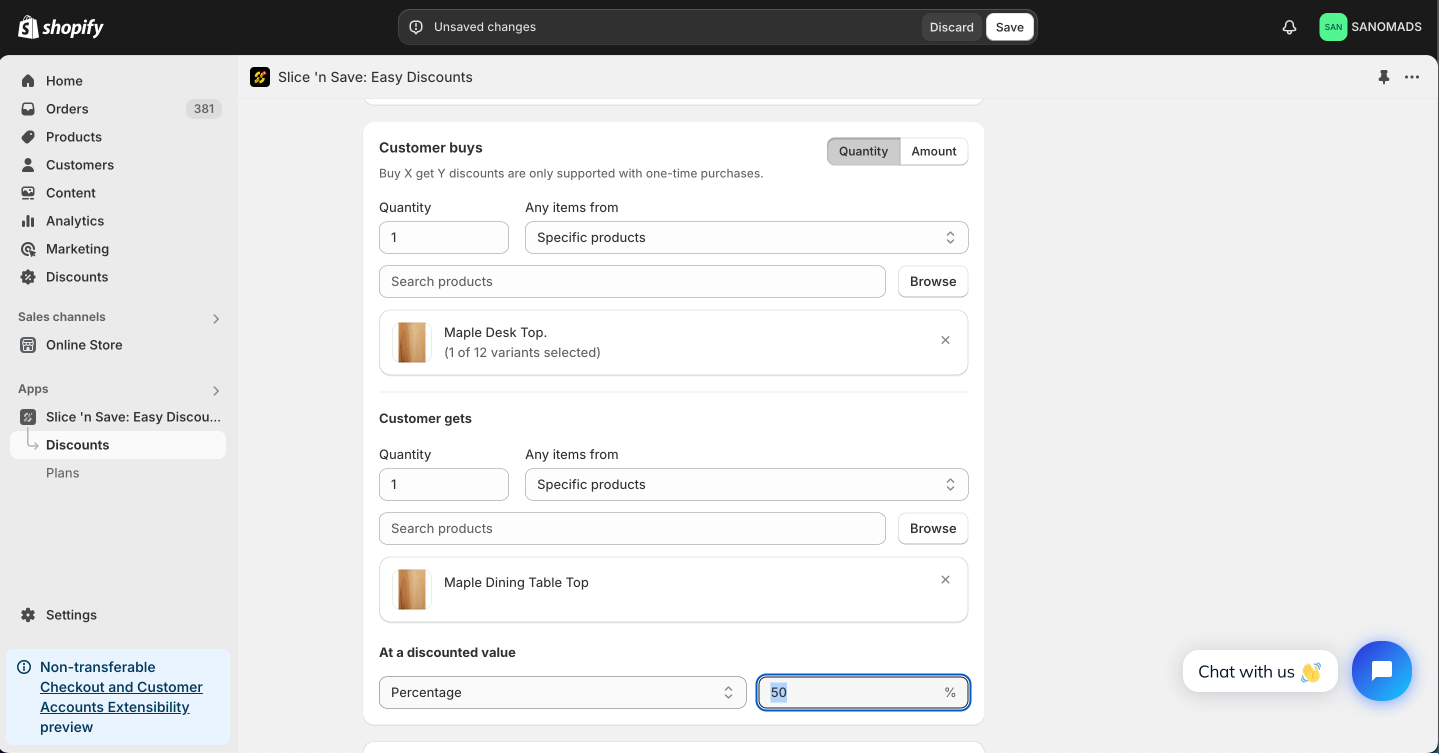
- Select the quantity & products which customer is required to buy & get. Make sure all of these products are added in the cart.
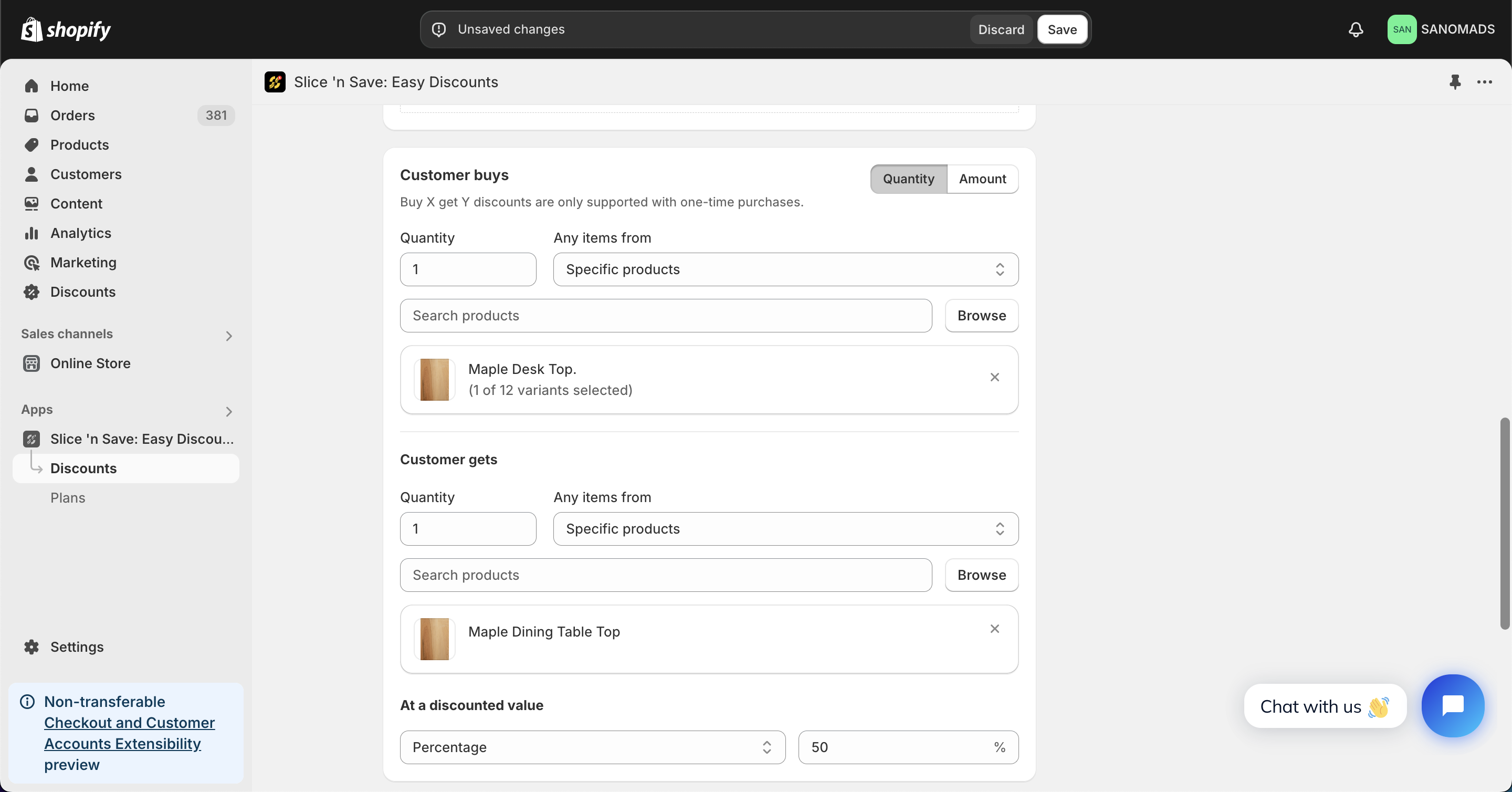
- Set the discount type & value for the discounted product.
- Discounts can be applied in combination with other discounts which are created using Slice 'n Save app.
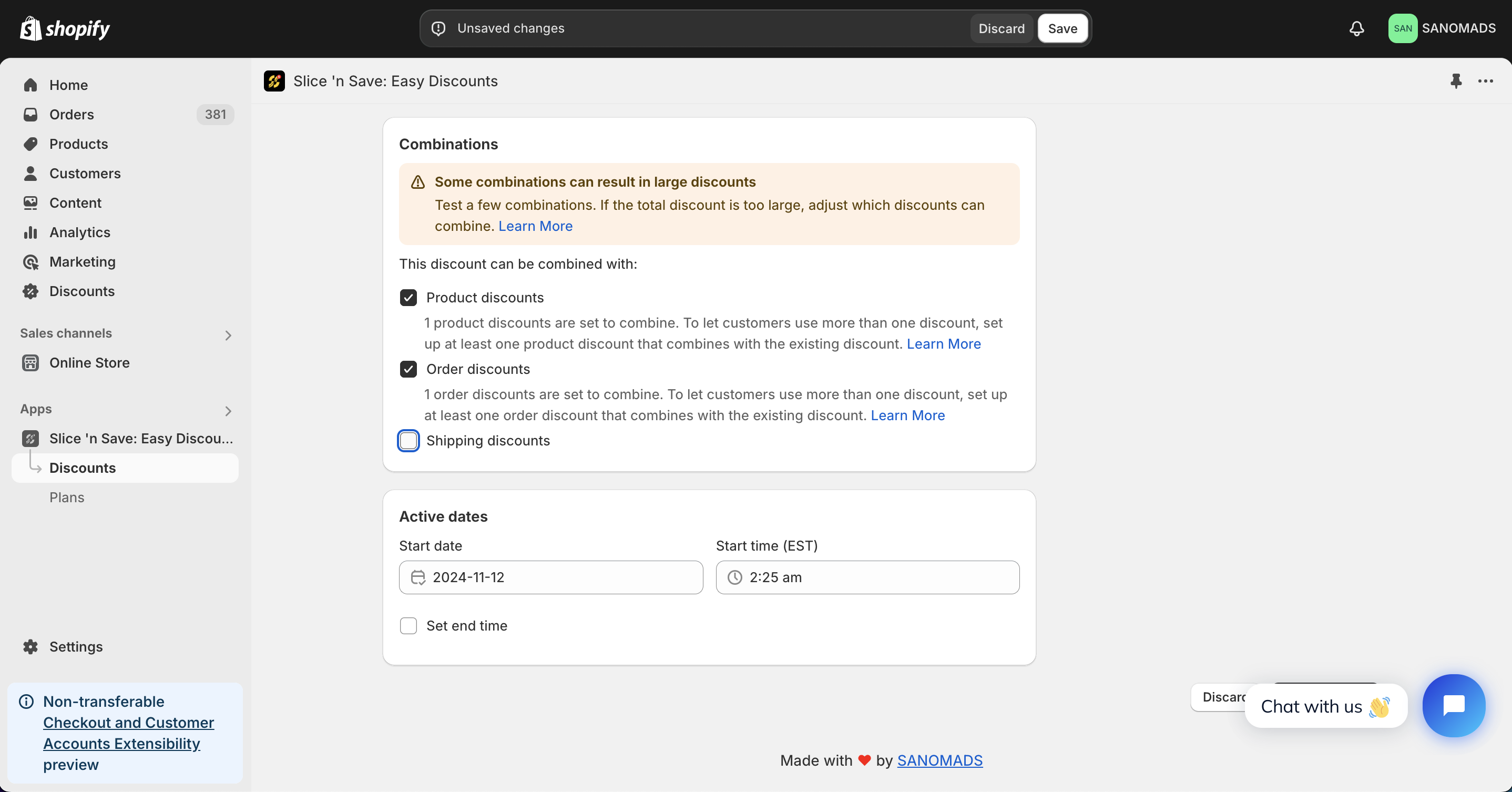
- For scheduling a discount, change the active dates to any future date or time.
- Adjust the markets from the manage markets section for discount eligibility.
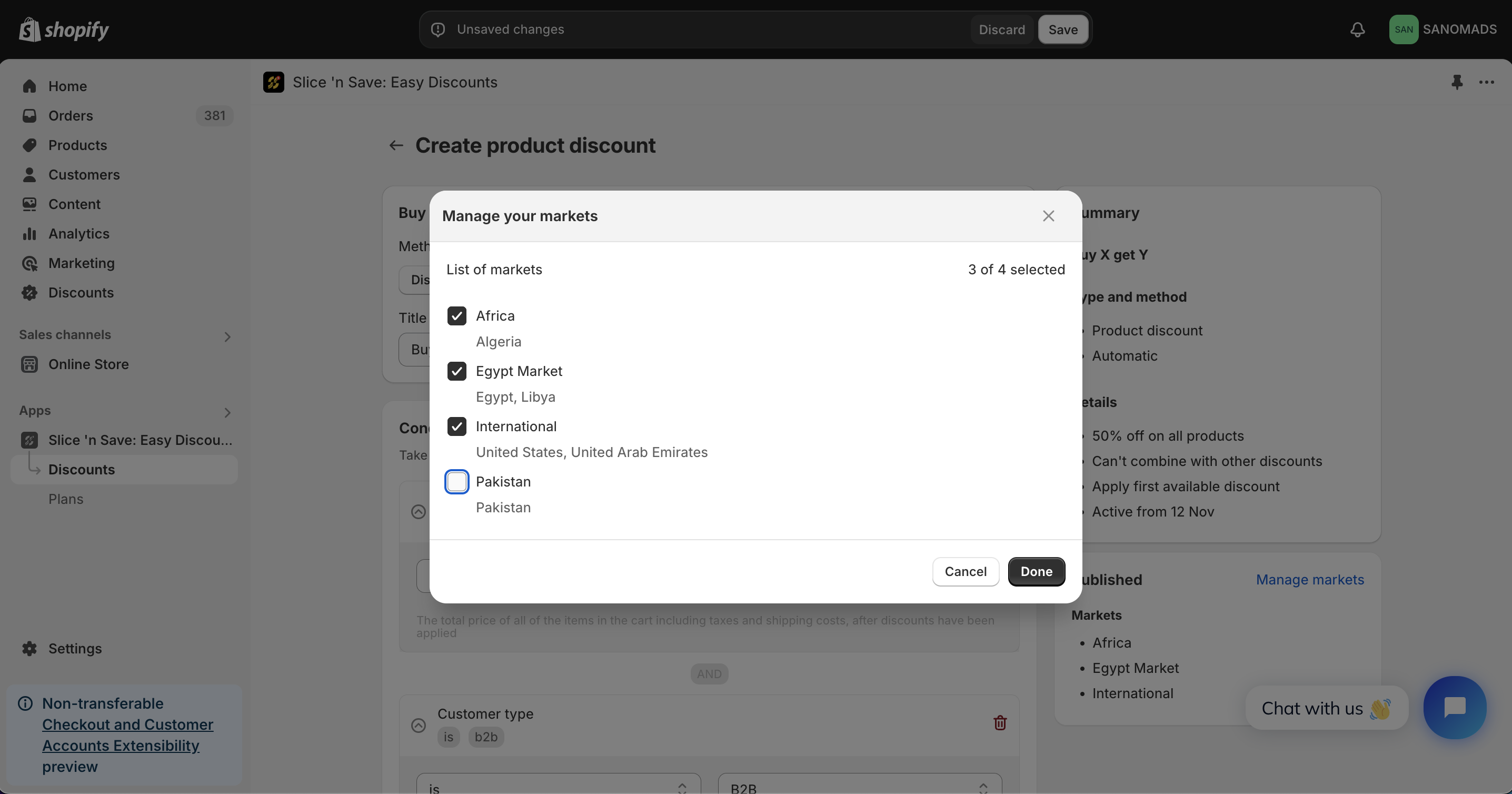
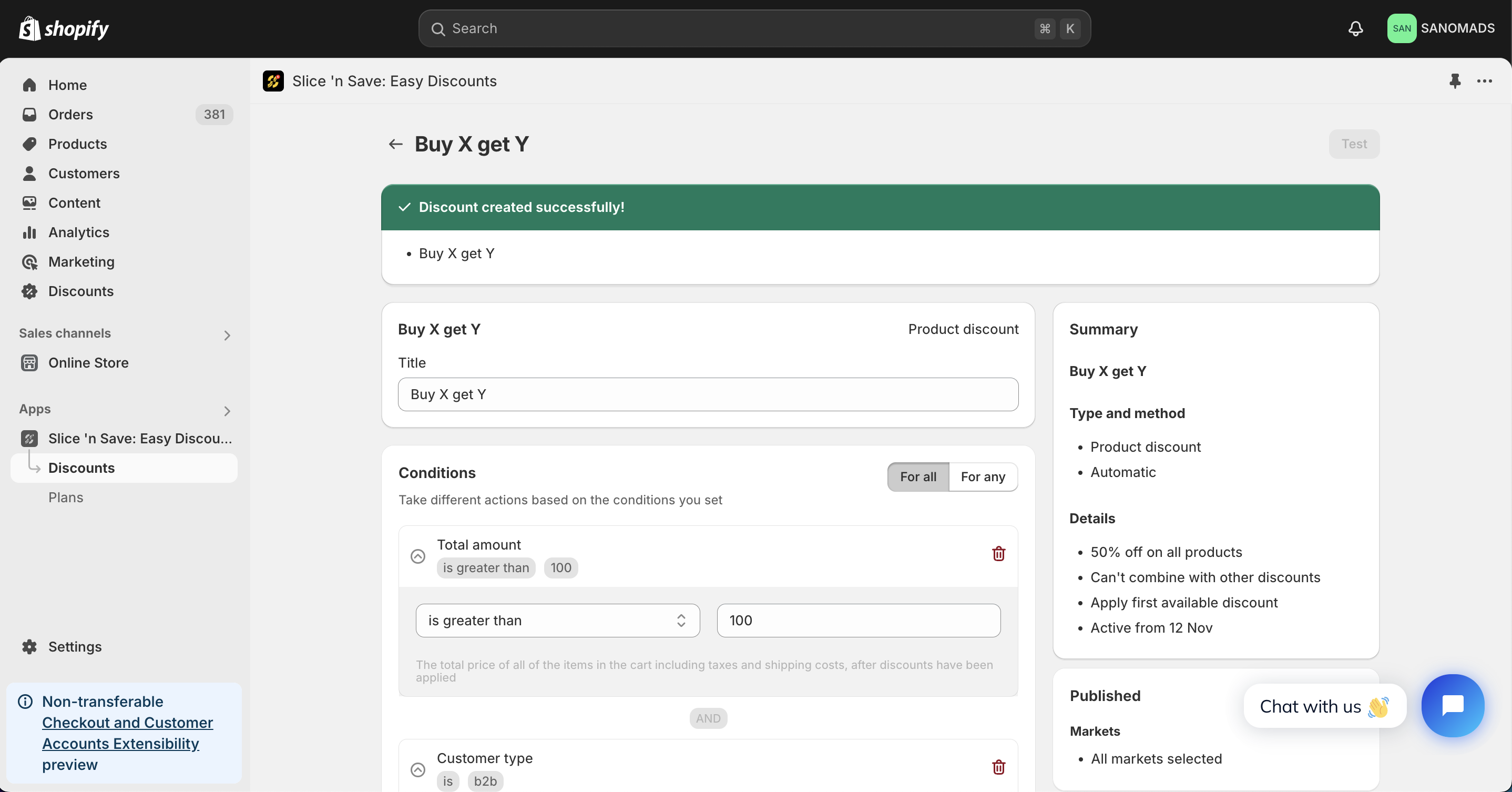
- Click on Save button to save the discount.